
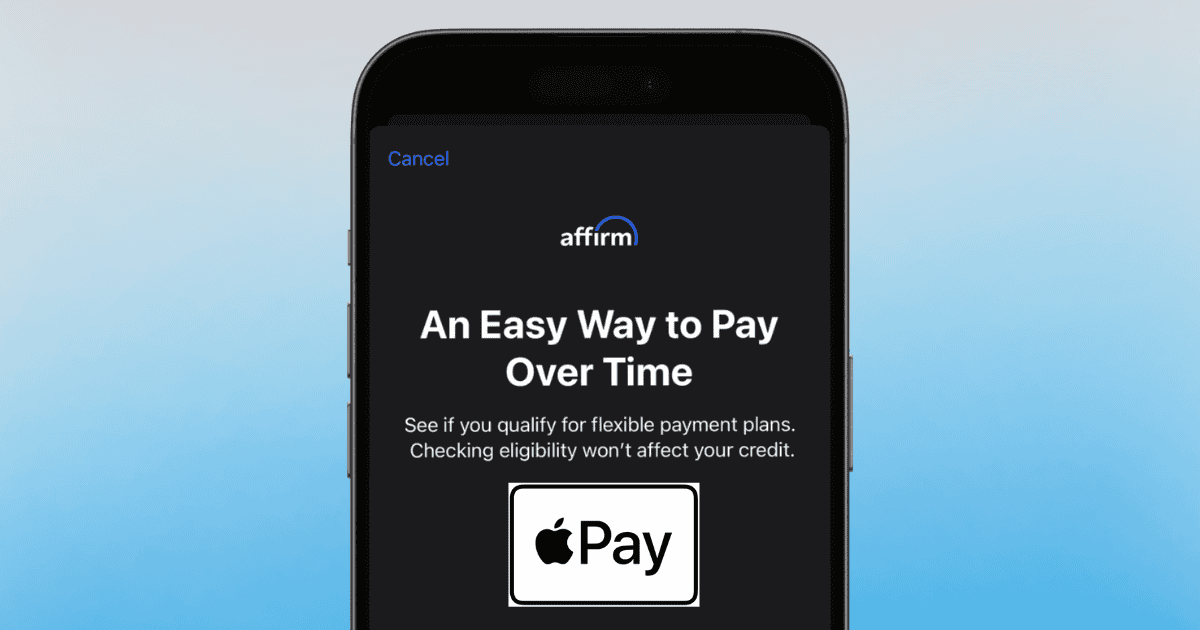
Fri Sep 20 08:08:25 UTC 2024: ## Apple Pay Now Offers Buy Now, Pay Later Option in iOS 18
Apple has introduced a new Buy Now, Pay Later feature for Apple Pay users with the release of iOS 18, making big-ticket purchases more accessible.
The feature allows users to pay for items over time with fixed installments, similar to a loan, without having to pay the full amount upfront. This could be particularly attractive for those looking to purchase expensive items like a new MacBook Pro or even a unique Hatsune Miku dakimakura.
**How to Use the New Feature:**
* **Check for the “Pay Later” Icon:** Look for a “Pay Later” icon displayed below your card when using Apple Pay during online or in-app purchases.
* **Complete an Application (If Required):** Certain installment providers or banks might require you to complete an application before using this feature.
* **Track Your Payments:** All installment purchases can be viewed and managed within the Wallet app’s transaction history.
* **Manage Your Plan:** Additional details and management options for your installment plan can be accessed through the card provider’s website or app.
**Things to Keep in Mind:**
* **Installment providers and banks vary:** Check with your individual bank or card issuer to see if they offer this option.
* **Plan Management:** Any questions or issues related to installments and payment management should be directed to the card issuer.
* **Potential for Impulse Spending:** While this feature can be beneficial, it also carries the risk of encouraging impulsive spending. Be sure to use it responsibly and manage your finances accordingly.
This new feature is designed to make big purchases more achievable, giving users the option to spread out their payments over time. As with any financial tool, using Apple Pay’s installment feature responsibly is key.
 First Piper