
Fri Sep 20 14:12:43 UTC 2024: ## Apple’s New iPhone 16 Camera Control Button: A Game-Changer for Photography and More
Apple’s latest iPhone 16 models boast a revolutionary new feature: the Camera Control button. Located on the lower right-hand side when holding the phone in portrait mode, this button offers a new level of control and flexibility for capturing photos and videos, as well as serving as a versatile tool for other tasks.
**Customizable Photography Control:**
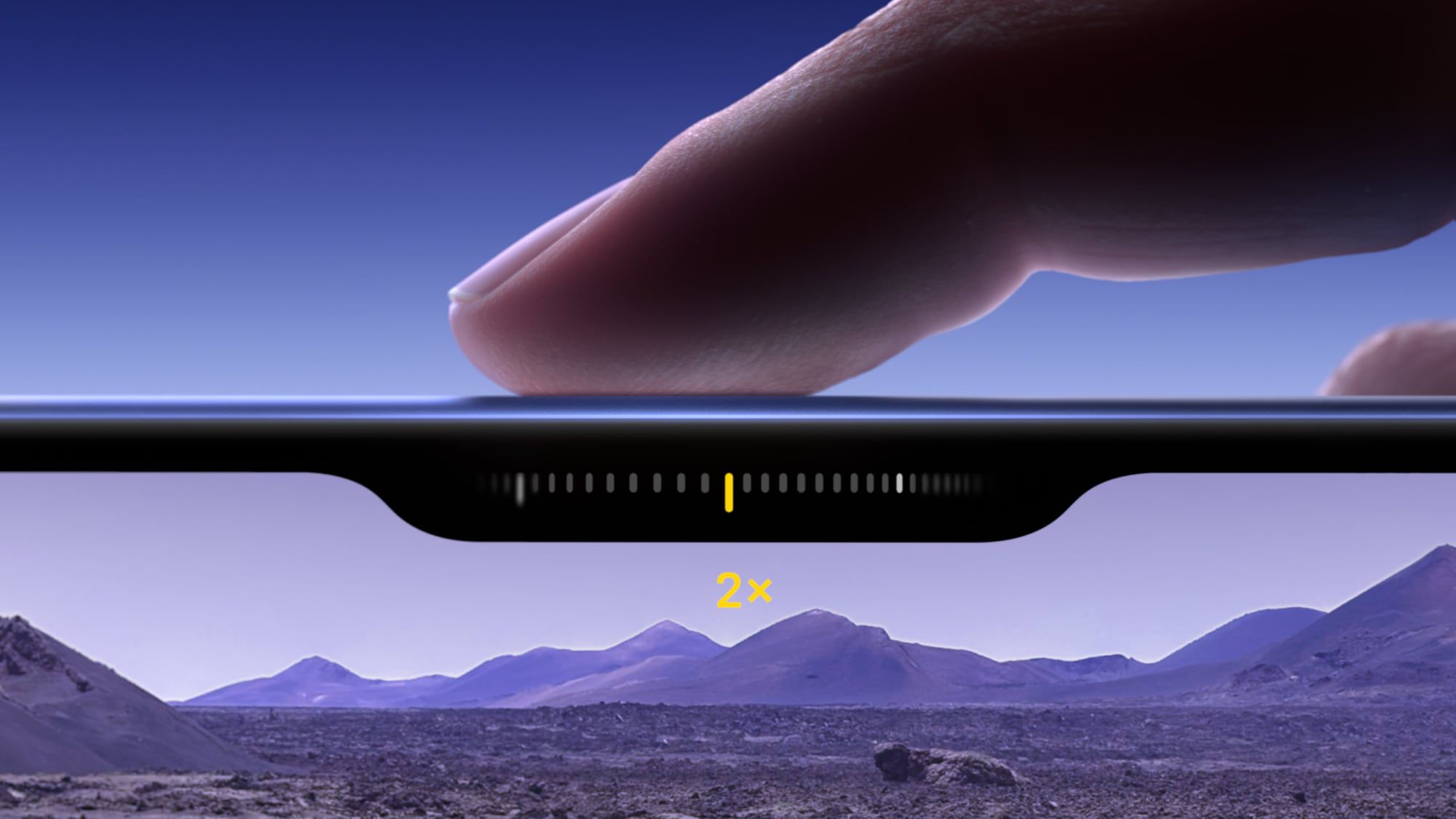
The Camera Control button allows for effortless adjustment of photography settings in both portrait and landscape orientations. A light press reveals a handy sliding interface that adjusts manual exposure, zoom, and other settings, mimicking a physical camera dial. This gesture also activates “Clean Preview” mode, hiding all on-screen camera app tools for a clutter-free view of your composition.
**Beyond Photography:**
Beyond its photographic prowess, the Camera Control button can be used to trigger third-party camera apps and integrate with Apple’s Visual Intelligence. This allows users to instantly access contextual information about objects or scenes captured through the camera.
**Adaptable to Your Needs:**
The sensitivity of the Camera Control button can be customized to suit individual preferences. Users can adjust the pressure required for light presses to avoid accidental activation. Additionally, the button’s default single-click function that opens the Camera app can be changed to a double-click for added control.
**Versatile Functionality:**
The Camera Control button’s potential extends beyond photography. It can be repurposed as a dedicated QR code scanner or a powerful Magnifier, offering faster and more convenient functionality in various scenarios. For warehouse workers, for example, the Camera Control button can streamline inventory checks by eliminating the need to navigate multiple app screens.
**Future Enhancements:**
In a future software update, the Camera Control button will gain even more functionality, introducing a two-stage shutter that automatically locks focus and exposure with a light press, providing greater control over your shots.
The Camera Control button is a testament to Apple’s commitment to innovation and user-friendliness. It empowers users with a sophisticated level of control over their iPhone’s camera experience, offering a plethora of possibilities for photography, productivity, and more.
 First Piper