
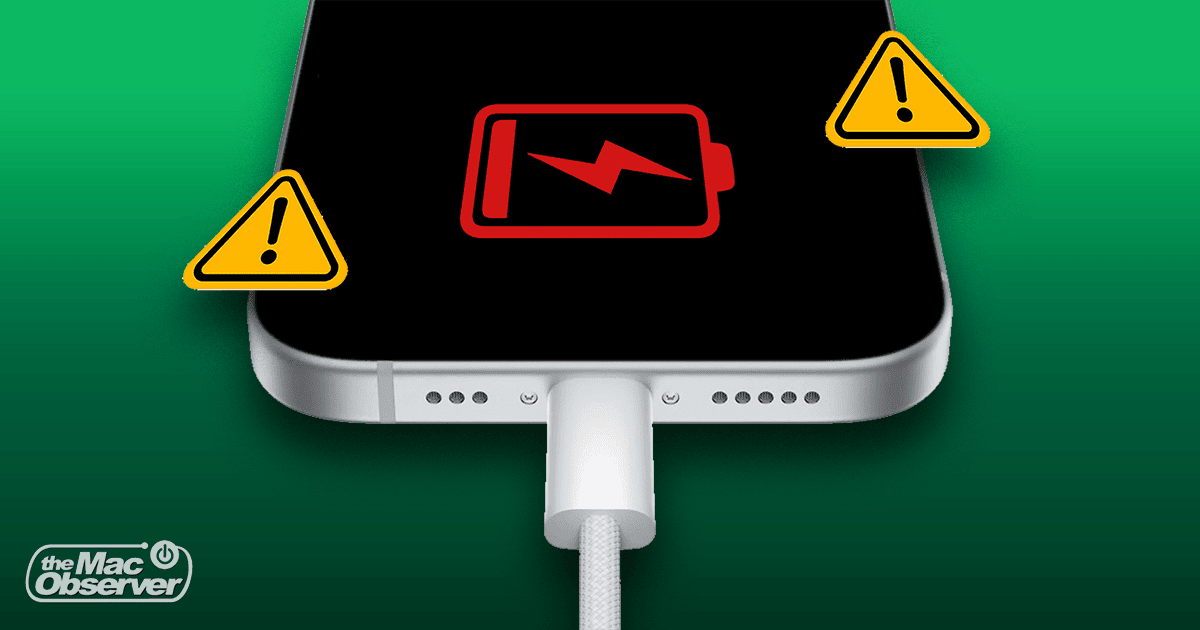
Wed Sep 11 09:38:33 UTC 2024: ## iPhone Not Charging? Here’s How to Fix It
Struggling with a stubborn iPhone that refuses to charge? You’re not alone. While frustrating, most charging issues are easily solvable.
**Common Culprits:**
* **Human Error:** A loose connection between your iPhone and charging cable is a frequent culprit.
* **Faulty Accessories:** A damaged charging cable or adapter can also prevent charging.
* **Clogged Charging Port:** Dust, lint, or even water can obstruct the charging port.
* **Software Glitches:** Occasional iOS bugs can interfere with charging.
* **Overheating:** Excessive heat can trigger a safety mechanism that disables charging.
**Troubleshooting Tips:**
1. **Force Restart:** A hard reboot can often resolve software glitches.
2. **Clean the Charging Port:** Use compressed air or a toothpick wrapped in cotton to remove debris.
3. **Check Accessories:** Test charging with a different cable and adapter.
4. **Power Source:** Try a different power outlet or a different charger (like a power bank).
5. **Optimized Battery Charging:** Disable this feature to allow your iPhone to charge to 100%.
6. **Cool Down:** Let your iPhone cool down if it’s overheating before attempting to charge it.
7. **Clean Energy Charging:** Disable this feature if you need to charge your iPhone quickly.
8. **Software Update:** Install the latest iOS version to fix bugs and improve performance.
**When to Seek Professional Help:**
If none of these solutions work, your iPhone’s battery might be nearing the end of its lifecycle. Contact Apple Support for assistance with battery replacement.
**Pro Tip:** Prevent future charging issues by keeping your charging port clean, using high-quality accessories, and avoiding exposing your iPhone to extreme temperatures.
 First Piper