
Follow below steps to create simple java project using maven.
Download the latest eclipse
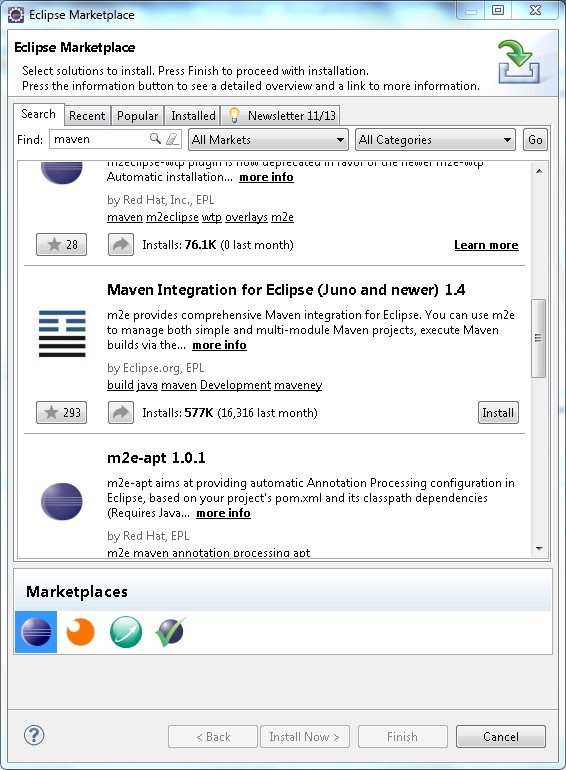
2. Install maven from eclipse market place if it not available in eclipse.
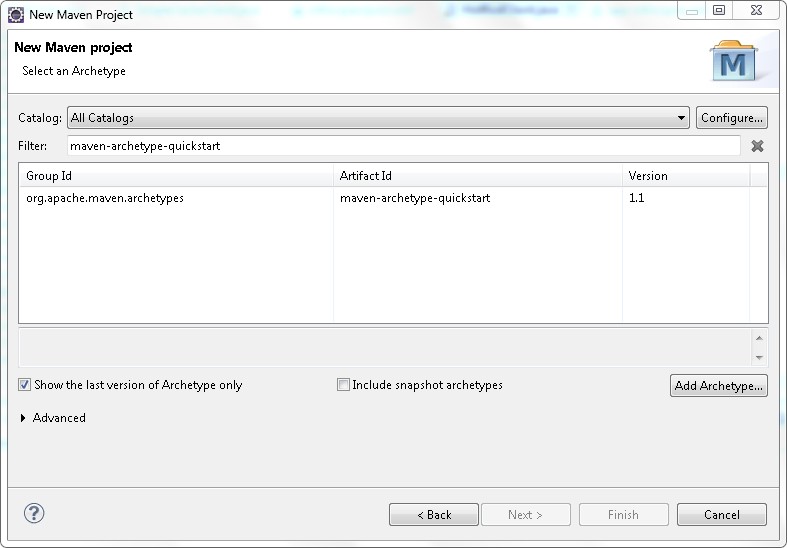
3. Create new Maven project using Maven wizard

4. Select quickstart archetype.
5. Name the project and click finish

6. Done. Check the eclipse for newly created project.
 First Piper